Most Content Has a Shelf Life. Your Email List Doesn’t.
If you’ve been in the online business space for a while, you’ve probably heard the phrase “grow your email list” more times than you care to admit. And if I’m being honest? I get why everyone keeps saying it.
All the content you create on social media? It has a shelf life. But you email list? It doesn’t.
Let me break down why email marketing matters, how to build and grow an email list with your dream clients, and why Flodesk is my go-to email marketing tool for creatives and service providers.
Why Growing an Email List is SO Important
As a Digital Marketing Strategist and Designer, I’m constantly recommending marketing tools. And they each have their own value. But with email? You have the unique benefit of marketing directly to your audience that is already bought in to what you offer. When someone joins your email list, they want more of what you have to say or share with them. You might be wondering… “How?!” Don’t worry, I’m going to tell you everything you need to know.
How to Build an Email List
There are a few different ways you can go about this. My preferred option? A high-value free resource (AKA a lead magnet!) Here’s how it works:
1️⃣ Create a VALUABLE Freebie: Think something super helpful for your audience (more on this in a bit!). Some examples of lead magnets are things like a guide, a workbook, a cheat sheet, or even a mini-training or secret podcast.
2️⃣ Collect their Name and Email: You will create an opt-in form where your dream clients can sign-up and join your list in exchange for the freebie. They will then be tagged (or segmented!) by that content.
3️⃣ Segment Your List by Interest: This is how you can organize your list based on what your clients need, care about, and are interested in. And now? You know EXACTLY what to email them next.

What Makes a Great Free Resource?
Some questions to ask yourself before you dive into creation mode:
What does my audience actually want right now?
What topics do I get questions about constantly?
What problems are my clients struggling with today?
What quick win(s) would make them feel empowered and excited?
Easiest way to find this out? Ask your audience.
YUP! Post a poll, question box, or directly ask what they need right now.
When it comes to design, keep it easy to read and scan:
Short paragraphs
Limit any jargon
Keep a friendly, conversational tone (pretend you’re talking to your BFF!)
Easy to scan and skim
P.S. If this all sounds good, but you’re still feeling stuck… you can download my resource on building your own lead magnet here.
How to Use Your Email List to Sell
Maybe you already built your email list, and you’re ready to sell your first offer, product, or service. This is where nurturing comes in! You want to warm up your audience, so that when you sell them the thing, it is a no-brainer purchase for them.
Here’s what that process might look like:
1️⃣ Sally feels stuck when it comes to design and she is overwhelmed with tasks as a business owner. She discovers the Canva Design Toolkit Freebie from Vibrant Digital Solutions, and she opts-in.
2️⃣ Sally gets the free resource, and explores some quick design wins (tips, hacks, and design features that she didn’t know existed!).
3️⃣ Behind the scenes, Sally has been added to a Nurture Workflow in Flodesk, and continues to receive emails from Vibrant Digital Solutions.
4️⃣ She starts receiving high-value emails, each with their own purpose. Emails about the power of outsourcing, how to use a new Canva feature, a client success story, and even ways to work with VDS.
5️⃣ After a few emails, Sally clicks the link and books a discovery call.
6️⃣ Because she trusts the brand and expertise that Vibrant Digital Solutions provides, she books a package on the call and becomes a client.
The concept of selling doesn’t seem so scary when your audience knows, likes, and trusts you! And your email list allows you to provide value, share your expertise, and build that connection.
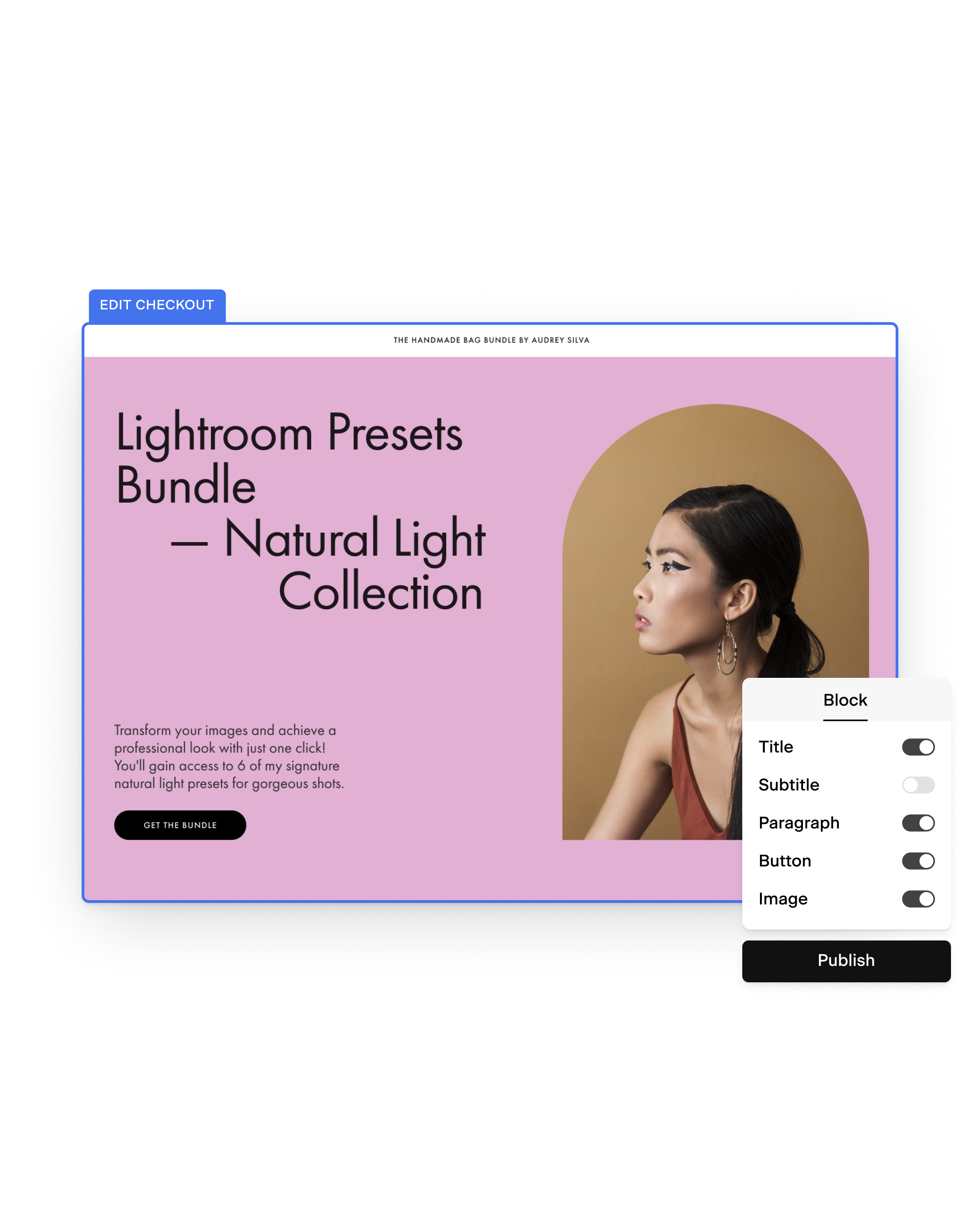
If you sell products, workshops, or masterclasses? You can actually sell them directly inside of Flodesk (my preferred email marketing platform!) with their built-in checkout feature. That way, your list and your checkout is all in one place. Here’s what that could look like:
My Preferred Email Marketing Platform
There are tons of email marketing tools out there, and full disclosure? I’m a Flodesk affiliate, but I’ve been recommending Flodesk to my clients and friends long before I was an affiliate.
Flodesk beats out the other platforms when it comes to ease of use, features, integrations, design, and tools. Flodesk is a simple email platform that has ALL the perks and integrations you could ever need.
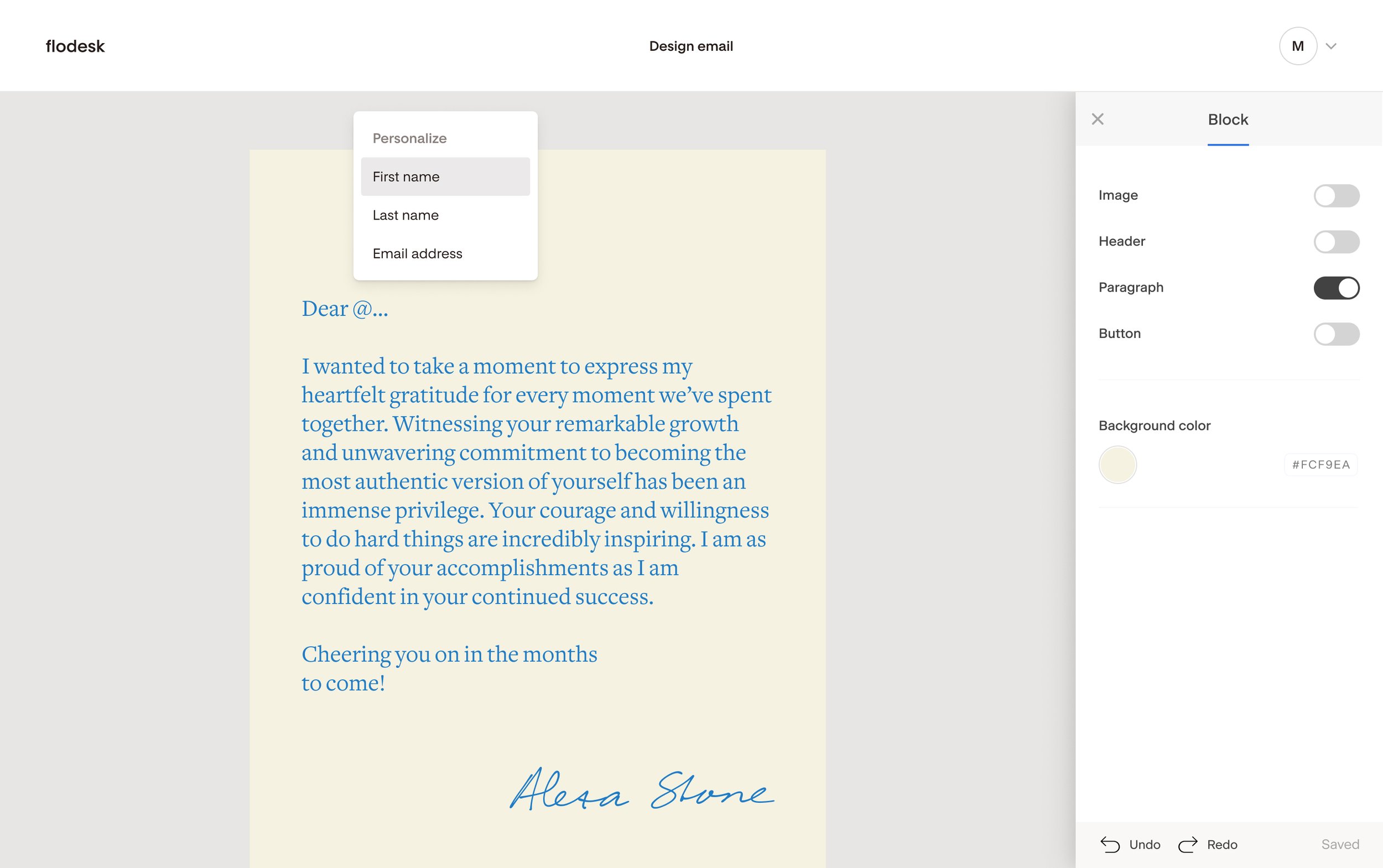
Flodesk ALSO recently integrated with my girl, Canva, and this changed everything!! With this new integration, you can upload directly from Canva into your email. That means: mockups, banners, course promo images, you name it - quickly and easily upload right into your email. You can easily add in your brand colors, logos, and branding photos directly into the platform. Some other new integrations they’ve added include ManyChat and ThriveCart!
How I Use Flodesk in My Business
Okay, Jesse, that sounds cool and all.. but how do you use your email list? Funny you should ask, because it’s one of the first things I set up when I started my business.
I built out a few different freebies and opt-in’s and started to grow my list. I’ve since been nurturing my audience through welcome and nurture sequences.
I share digital marketing tips, design hacks, and info about my offers along the way. I’ve built a community who wants to learn more about digital marketing strategy and design, and who knows that I can support them!
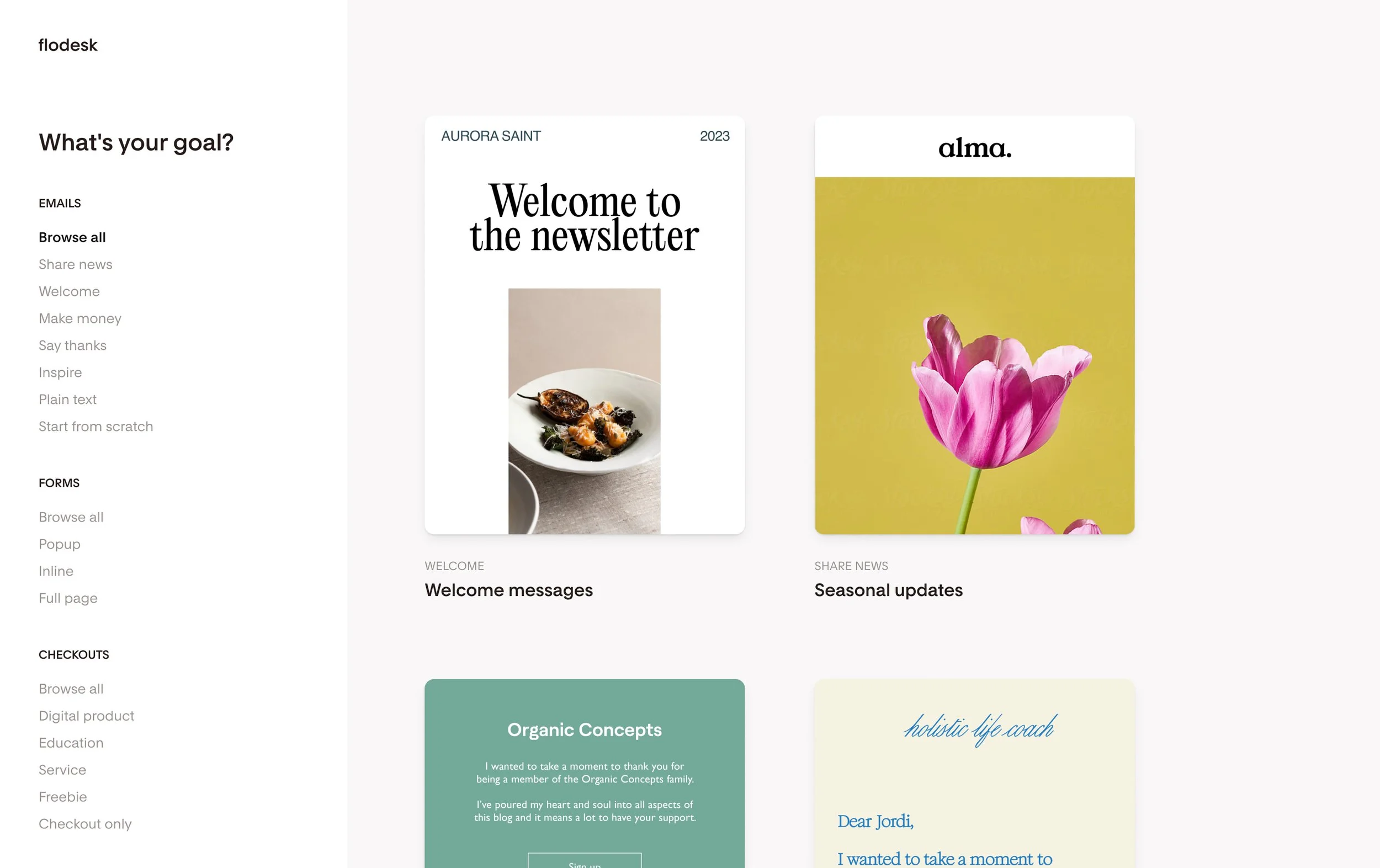
Oh, and before you tell me you don’t have an eye for design… take a peek at a few of the beautifully designed templates that already exist inside of Flodesk… I mean 😍
Ready to Try Flodesk?
If you’re tired of running on the content hamster wheel, you can use my link to save 25% off your first year of Flodesk: https://flodesk.com/c/VIBRANT
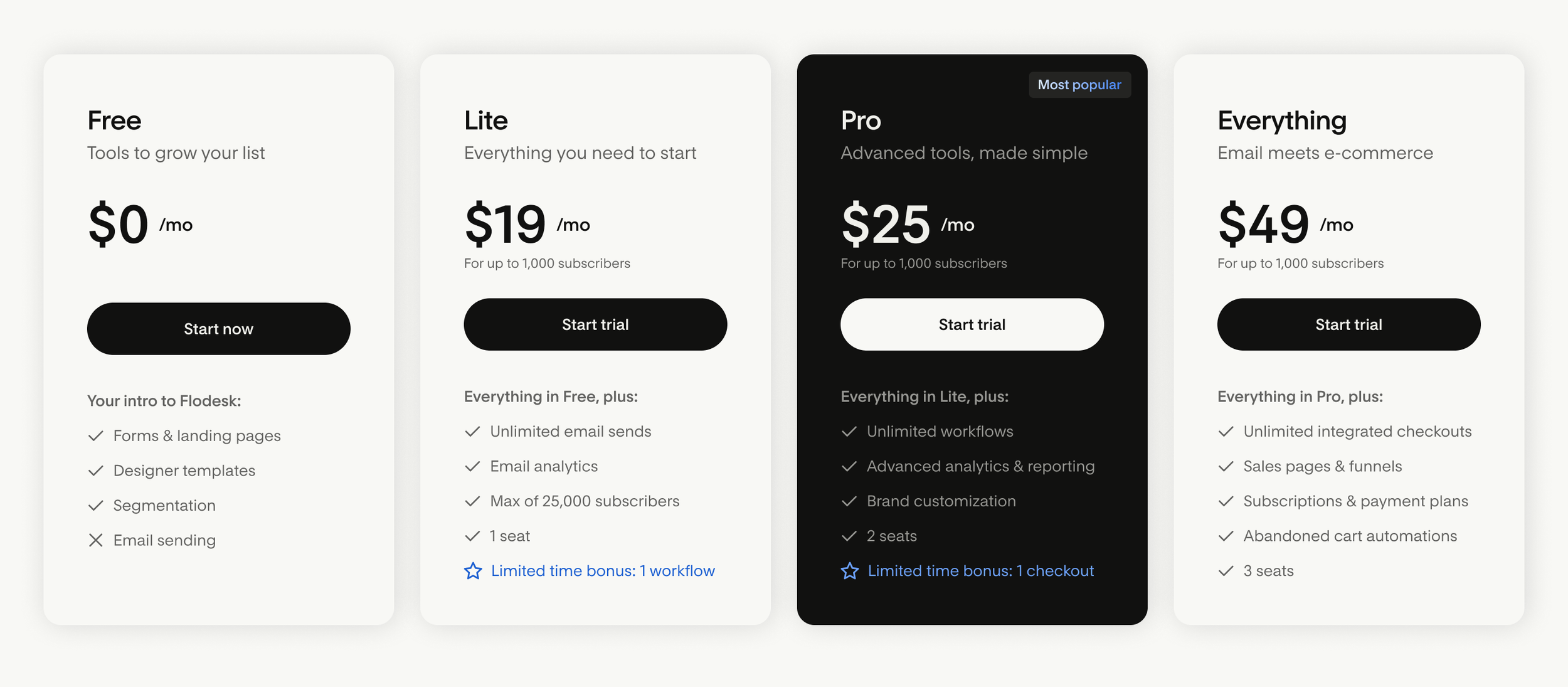
And because I’m all about transparency, here’s what their pricing looks like: